
Take payments on your phone. Earn on every service you sell.
Your phone is the terminal. Install the app, get your account, and start accepting payments the same day — no machine to buy, no bank visits, no waiting. Money lands on your balance instantly, and you withdraw it whenever you want.

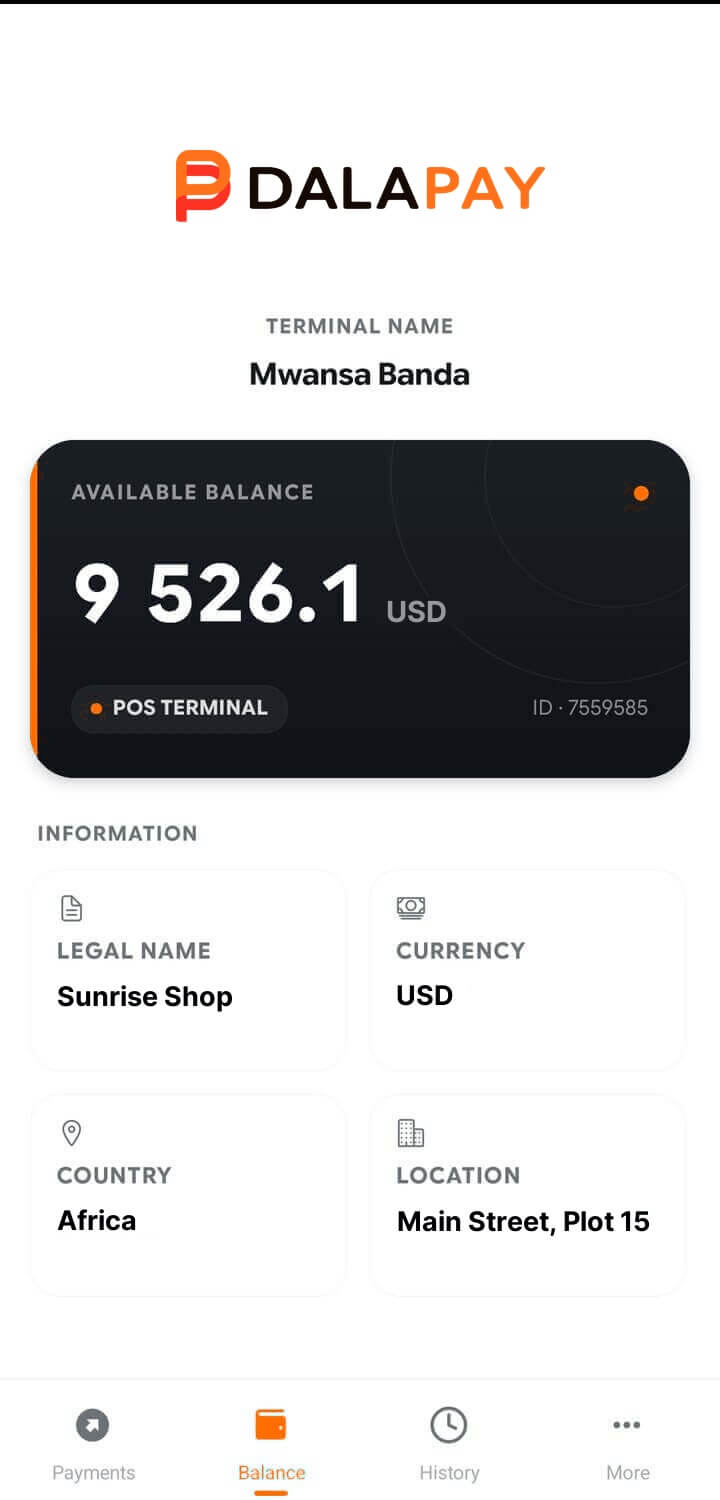

The same app on the same phone works in two modes, side by side, on one balance.
Merchant mode
Accept payments from customers for your goods and services.
Agent mode
Sell digital services to walk-in customers and earn a commission on every operation.
You can be just a merchant, just an agent, or both at once. Most of our busiest outlets end up being both.
Getting paid shouldn't be this hard
One balance. Every network.
Your customers pay from any mobile-money operator — everything lands on one balance in your app, instantly, with a notification for every payment. No SIM card for every operator. No separate accounts to check at the end of the day.




 and more

 Visa & Mastercard
and more
Visa & Mastercard
and more
Withdraw to your own mobile wallet any time, or send money straight to your bank account — right from the app, without leaving your shop.
Four ways your customer pays
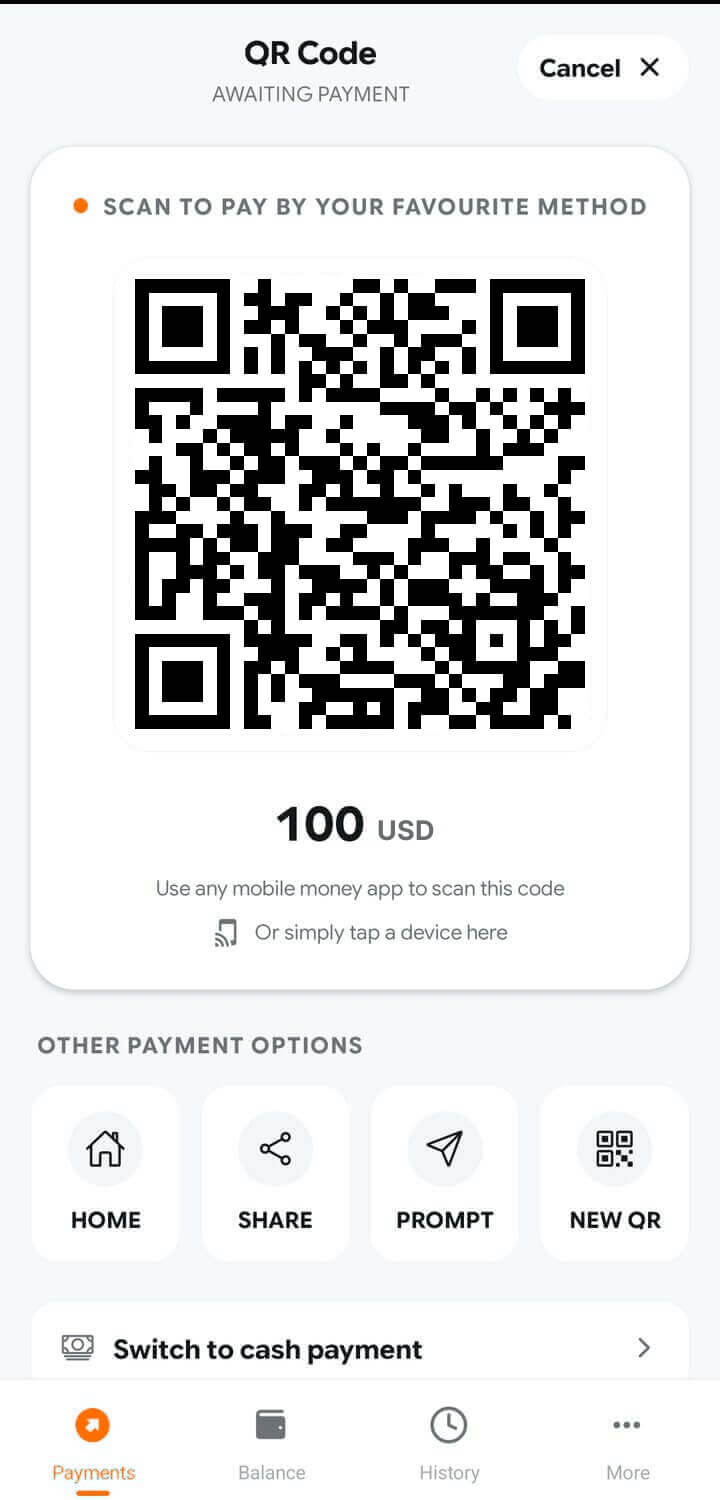
QR code
Show the QR on your screen, or put a printed sticker on the counter. The customer scans it and pays from their own phone.
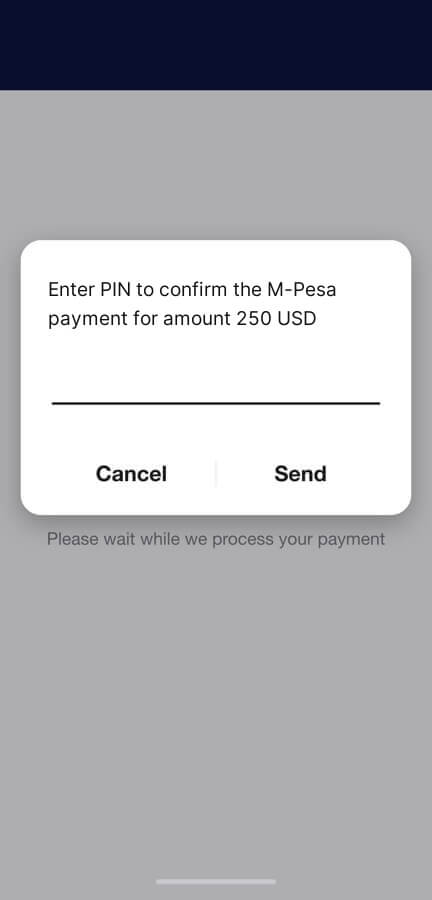
Payment prompt
You type the customer's phone number, a payment request pops up on their phone, and they confirm with their PIN. Works on any phone — the customer needs no internet.
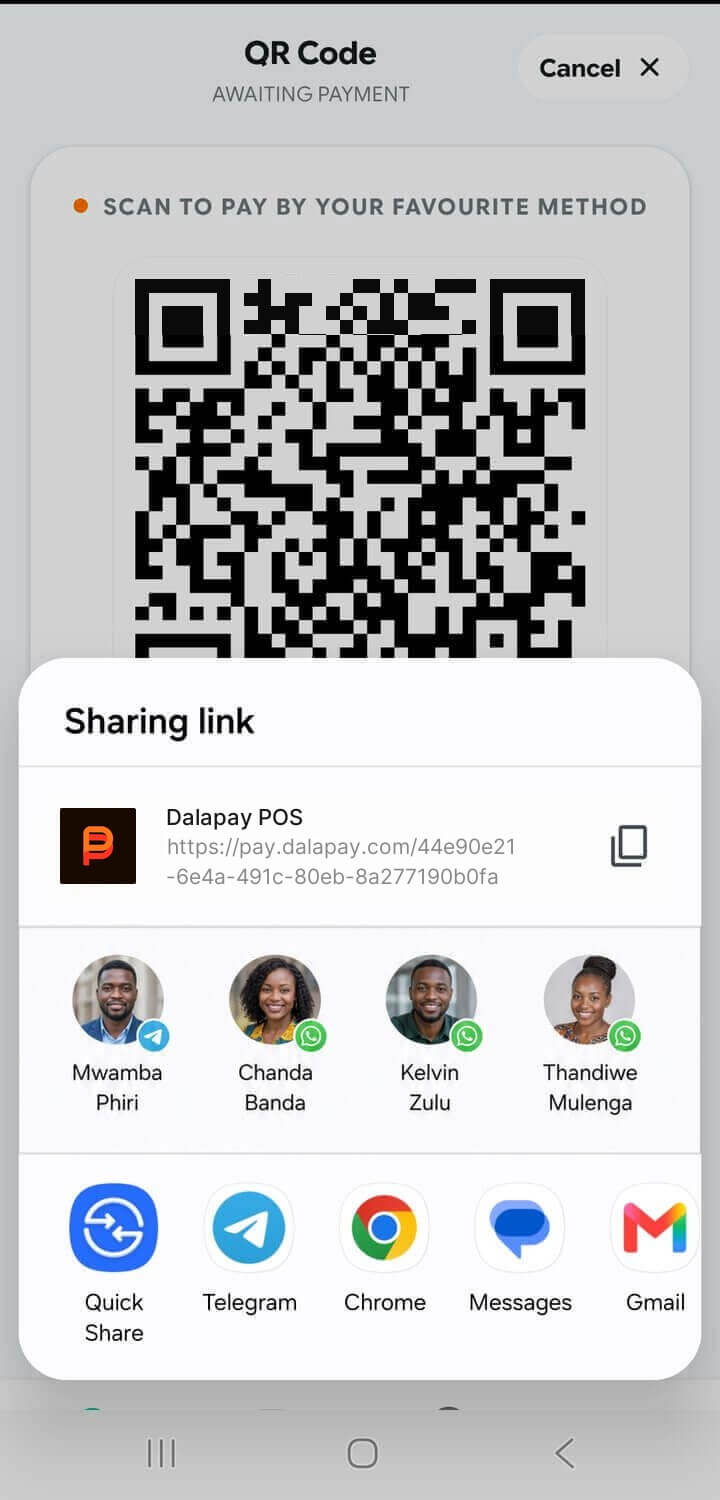
Payment link
Send a link on WhatsApp or SMS. The customer pays from wherever they are, and you watch the status live. Useful for orders, deliveries and deposits.
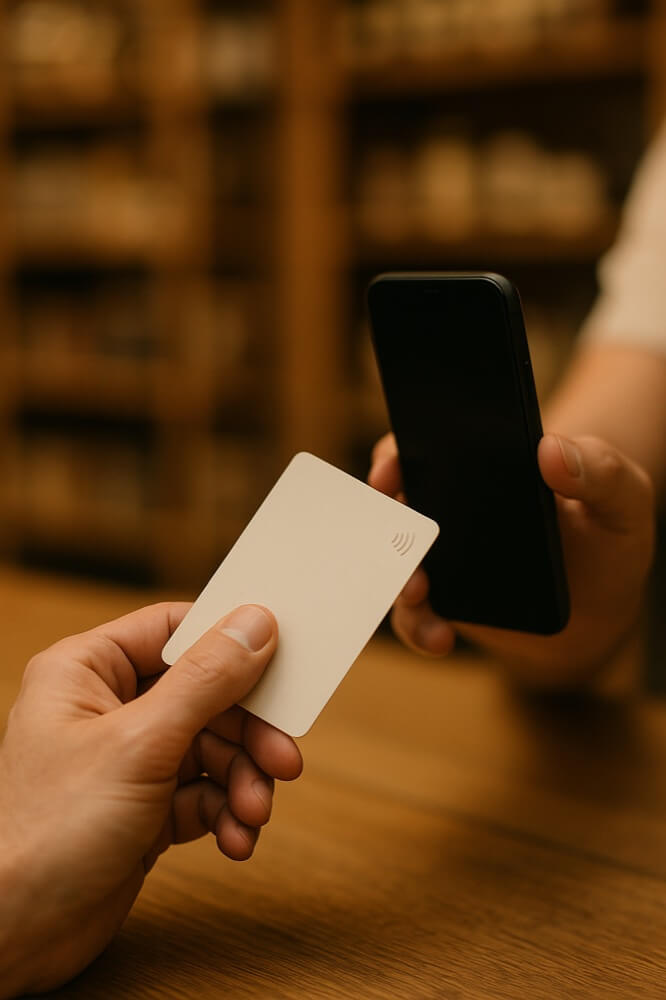
Card on your phone
The customer taps their Visa or Mastercard directly on your smartphone (rolling out now). One phone takes mobile money and cards — you no longer need two machines on the counter.
Your staff take payments. Only you touch the money.
- Every cashier gets their own login. They take payments on their phone — the withdraw button simply isn't there. Only you can move money.
- A login works only on its own phone. It locks to the device at first sign-in, so a stolen password does nothing anywhere else.
- A cashier quits? Switch their login off in one tap. The money never passed through their hands anyway.
- You see every payment as it happens — amount, shop, cashier, time — even when you're at home.

Your dashboard: the whole business on one screen
All your shops in one place.
See payments, balances and withdrawals across every branch. Each branch can get its own access and see only its own numbers — you decide who sees what, including whether they see the fees.
Every payment, including the failed ones.
Successful, cancelled or failed — everything appears immediately, and a built-in assistant explains in plain words what happened to any transaction.
Settle disputes in seconds.
A customer says they paid and you didn't get it? Check the transaction right there and answer them on the spot — no phone calls, no waiting.
Know your numbers.
How much came in, how much you withdrew, how much you paid in fees — per shop and in total. Reports you can download and hand straight to your accountant.


Restaurants, bars and cafés
Branded bill folders with a QR code inside, and table tents for every table. The guest scans, pays from their phone and shows you the confirmation — your waiters never carry a machine around, and there is nothing to queue for at the till.
What it costs
Simple: you pay a small fee when you get paid — no machine to buy, no setup fee, no monthly fee. And you choose who pays it: by default it comes out of your side, but you can switch it to the customer and the app adds it on top of the amount before they confirm. The choice is yours, and you can change it at any time.
Either way the exact amount is on screen before the payment goes through. Withdrawals to your own wallet are free or near-free, bank transfers carry a small flat fee. Your exact rates are confirmed when your account is opened.
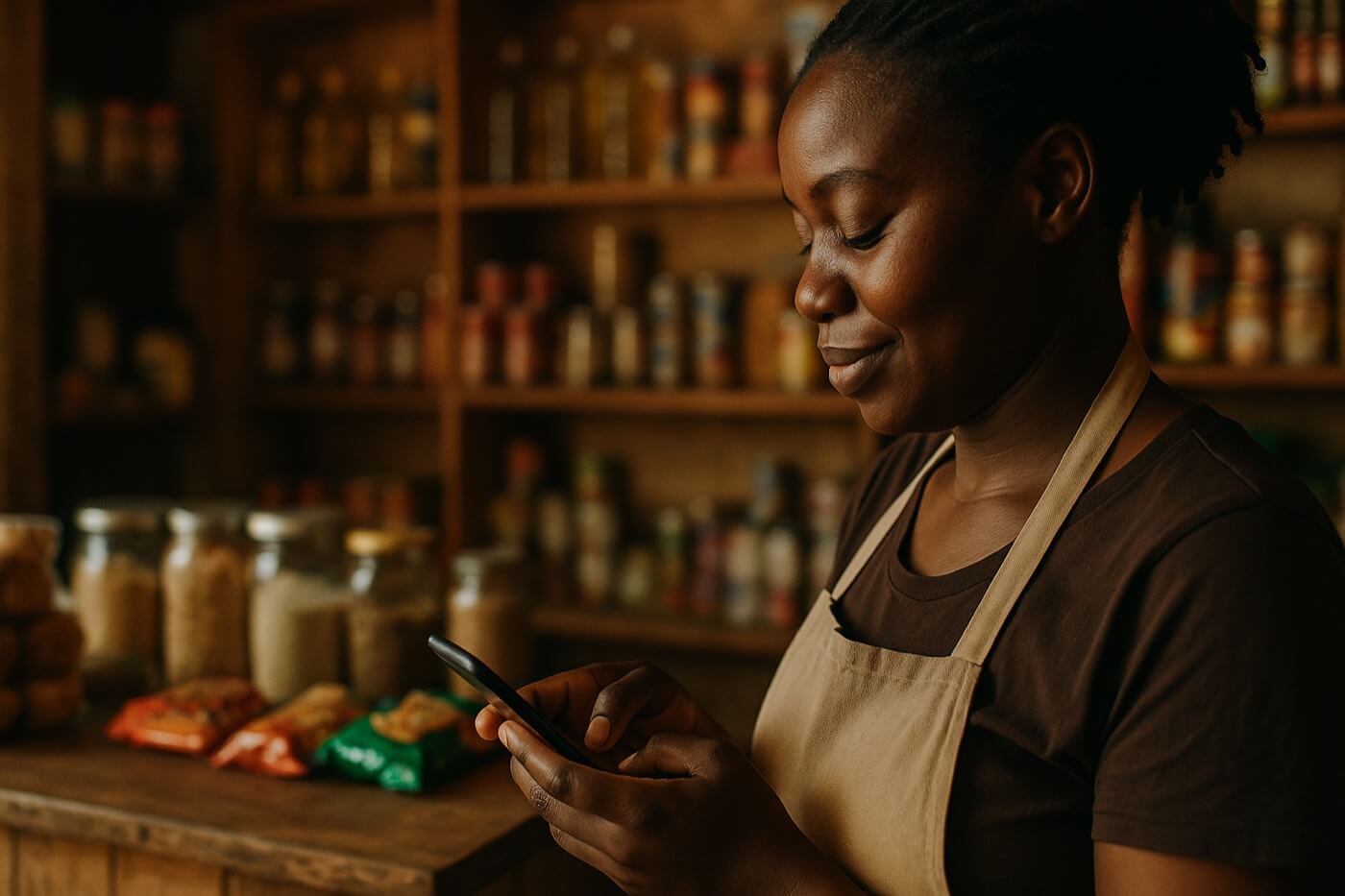
Agents
Agent mode turns the same app and the same phone into a full service point. You serve people who walk into your shop and earn a commission on every operation — all from one float, without a second device or a second balance.
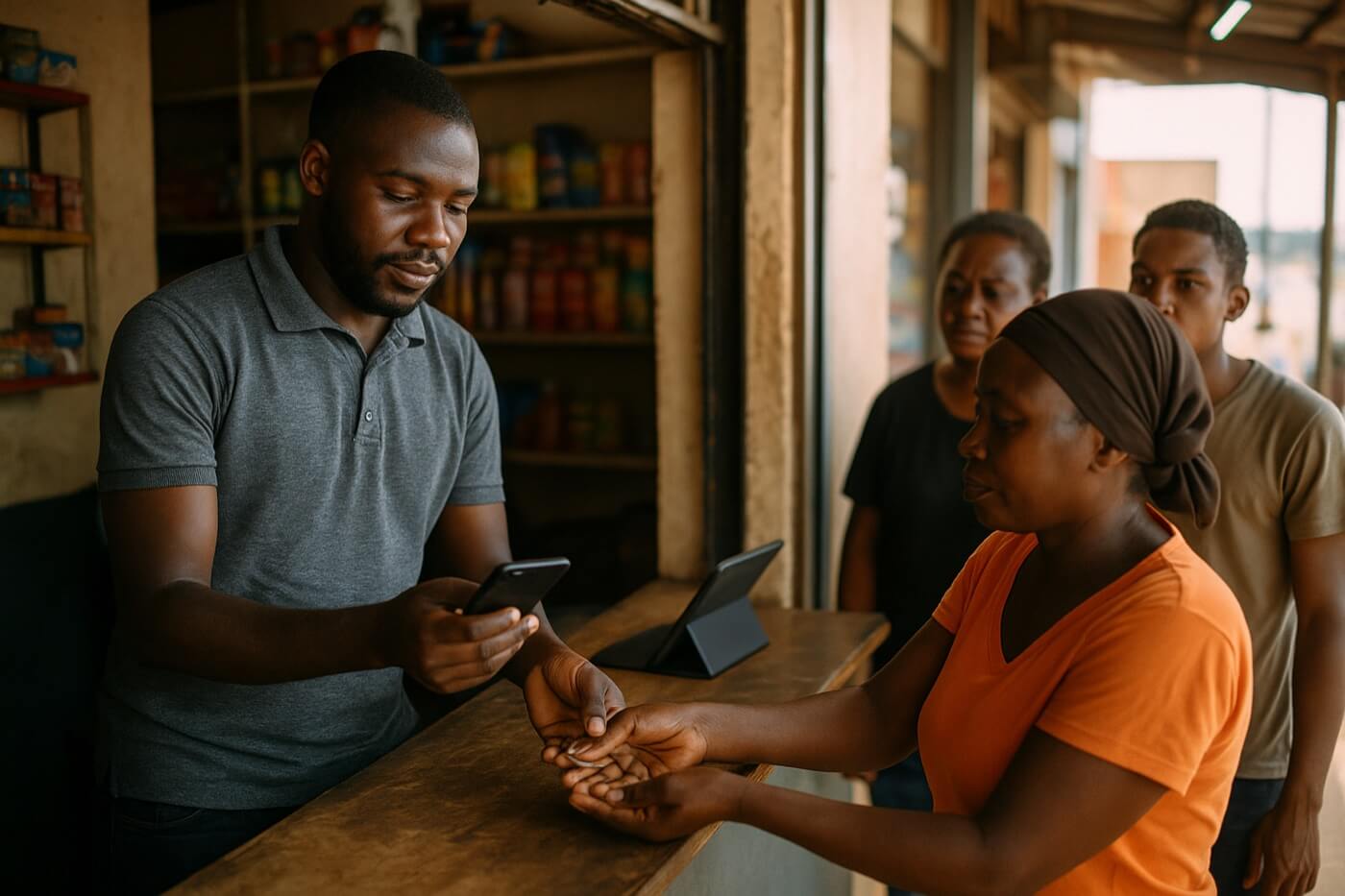
What you can sell
and more


 and more
 and more


 and more
How your float works
Everything you sell as an agent runs off your float — your working balance in the app. You top it up first, then pay the Billers on your customers' behalf: mobile operators, power utility, TV providers, government services, betting operators, etc.
Top up your float
By bank transfer or from your mobile wallet, the money is ready to work straight away.
A customer hands you cash
For airtime, an electricity token or a top-up.
You pay the Biller from your float
The service is delivered on the spot.
The cash stays with you
Your commission is credited, and you reload the float from that cash when it runs low.
Your float is your working capital: the bigger it is, the more customers you serve between top-ups.
Already taking payments as a merchant? Then you may never need to fund the float separately — what customers pay you for goods lands on the same balance and works as your float right away.
Built for a busy counter
- One float for everything. No juggling separate balances per service. Your commission is credited on every operation, and you can see exactly what you earned.
- Fast operations. Each one takes a couple of minutes — the app is built for hundreds of transactions a day, not for filling forms.
- Reload without closing the counter. Topping up takes seconds, and your balance and full history are always in front of you, so you know exactly when to do it.
- More than one counter? Each point gets its own login under your account.

Merchant and agent at the same time
If you already have a shop, switch on agent services in the same app: your customers come in to buy airtime or pay for electricity, and they buy your goods while they're there. You earn on top of your sales — commission on every service, plus a bonus for the extra turnover you bring. One phone, one balance, one place to check your money.
Grow beyond your own counter
Three ways to earn more than your own sales. They work differently — pick what fits your business.

Refer other merchants
Bring a shop you know into the app and earn a share of what they take. Nothing to manage: they run their own business, you keep earning from it.
Your own outlets — one business, one balance
For a chain of shops, a taxi or delivery fleet, a distribution route — points that belong to you.
- Every shop, till or driver gets their own login, but all the money collects onto your single balance. Nothing is scattered across separate accounts.
- Your people take payments — only you withdraw.
- You see the breakdown live — per shop, per till, per driver — and know exactly who brings what and when your peaks are.
- Start with one location, roll out to all of them when you're ready.
A network of sub-agents — you become a super-agent
Here the outlets are independent businesses, not yours: every sub-agent has their own account, their own float and their own takings. You don't hold their money — you build and look after the network.
- Recruit and sign them up yourself — create the account, hand over the login, and your agent is live the same day. No waiting for us.
- Show them how to work — how to fund the float, serve customers, sell every service and earn on it.
- Be their first line of support — you're the person they call when something doesn't go through, and you help them sort it out with the platform.
What you get: a share of everything your network turns over — recurring income from their day-to-day business, not a one-off bonus. You see how the whole network is doing: turnover per agent, who's growing, who's gone quiet and needs a visit, with statements you can download.
The stronger your agents, the more you earn — so onboarding them well and keeping them working is your business.
Starting is quick
Apply.
Register in the app or tell our team you want an account — you'll get your login and access.
Install the app
on the Android phone you already have.
Take your first payment.
Need a hand? Our team activates outlets on the spot — at your shop, at markets and at events — and shows your staff how everything works.
Why you can rely on it
- Built for the Friday-night rush. Customers pay from their own phones, so there's no single machine to break down and no queue at your till.
- Nothing gets lost. Every payment has a live status, a digital receipt and full history. If something fails, you see it immediately and know why.
- Your money is yours. PIN-protected operations, logins tied to their phone, cashiers with no access to withdrawals.
- Licensed and regulated. Payments are processed by a licensed payment provider, under the rules of your country's central bank.
- Real support. A team you can reach, training for your staff, and help with your first payments.

Common questions
Do I need to buy a machine?
How fast do I get my money?
What if my customer has no internet?
Can my cashiers steal from me?
Can I use it in more than one shop?
What if a customer says they paid and I didn't get the money?
Can I earn more than just from my own sales?
Ready to start?
Talk to our team and we'll open your account today.